Sale
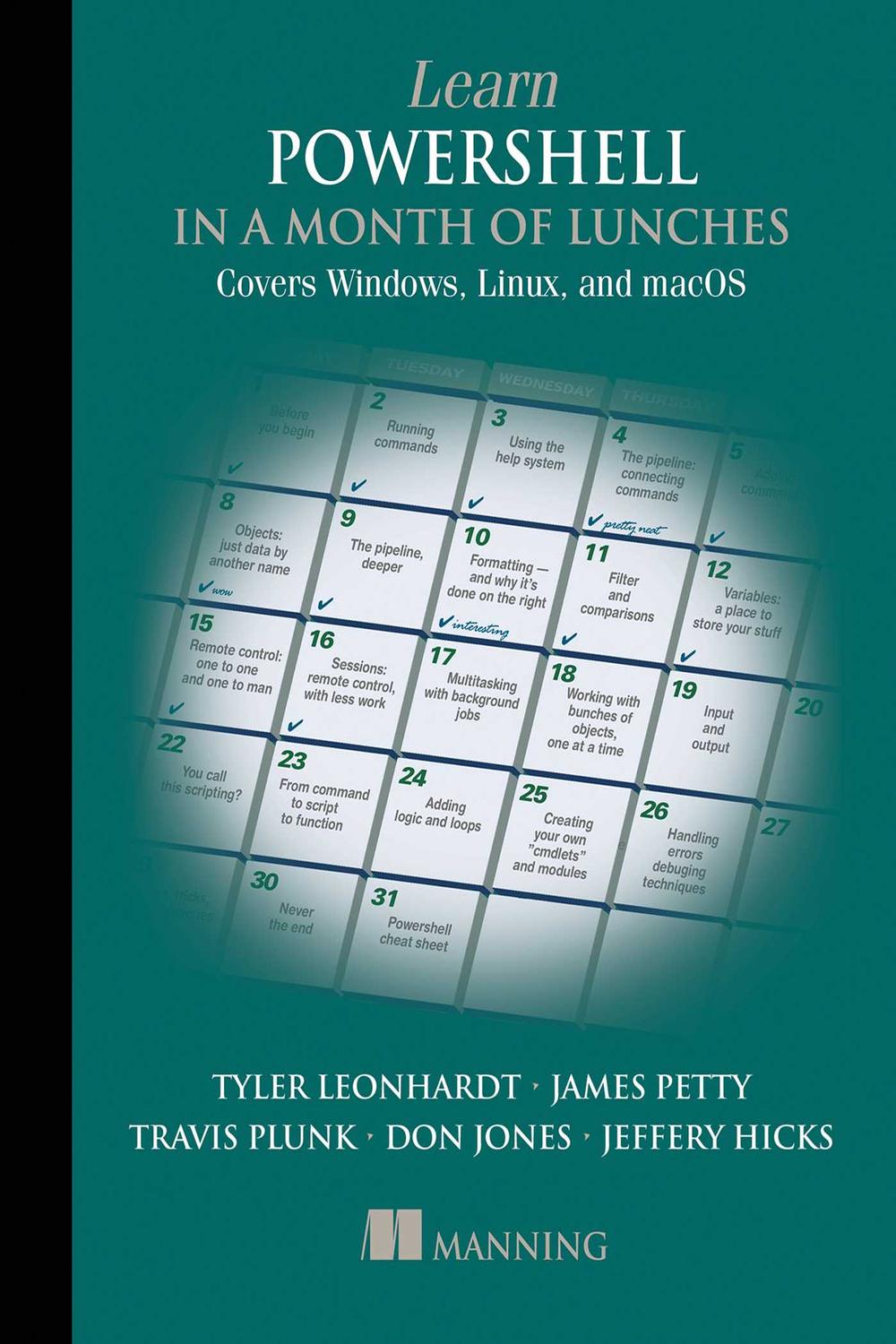
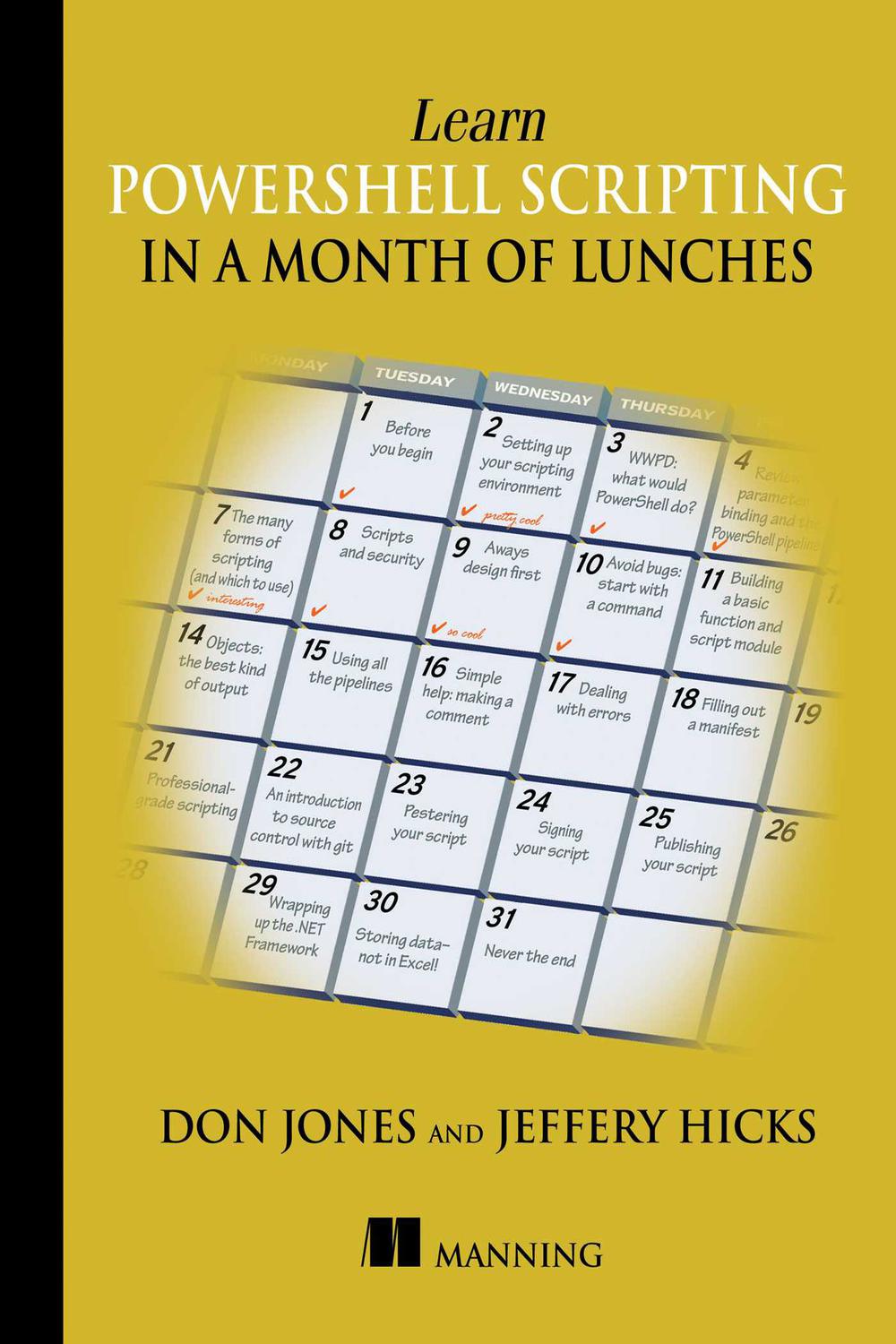
دانلود کتاب آموزش PowerShell در یک ماه ناهار، ویرایش چهارم ۲۰۲۲ (Learn PowerShell in a Month of Lunches, Fourth Edition 2022) با لینک مستقیم و فرمت pdf (پی دی اف) و ترجمه فارسی
| نویسنده |
Travis Plunk, James Petty, Tyler Leonhardt |
|---|

۳۰ هزار تومان تخفیف با کد «OFF30» برای اولین خرید
| سال انتشار |
2022 |
|---|---|
| زبان |
English |
| تعداد صفحهها |
360 |
| نوع فایل |
|
| حجم |
8.8 MB |
🏷️ 200,000 تومان قیمت اصلی: 200,000 تومان بود.129,000 تومانقیمت فعلی: 129,000 تومان.
🏷️
378,000 تومان
قیمت اصلی: ۳۷۸٬۰۰۰ تومان بود.
298,000 تومان
قیمت فعلی: ۲۹۸٬۰۰۰ تومان.
در Learn PowerShell in a Month of Lunches, Fourth Edition میآموزید:
* قابلیت کشفپذیری با سیستم Help
* کارهای پسزمینه و تکنیکهای خودکارسازی
* اسکریپتنویسی ساده برای خودکارسازی کارهای تکراری
* مدیریت خدمات ابری از ارائه دهندگان بزرگ ابری
* گسترش PowerShell با دستورات
* برگهی تقلب دستورات و syntax رایج
Learn PowerShell in a Month of Lunches, Fourth Edition یک راهنمای وظیفهمحور برای مدیریت سیستمهای شما با استفاده از PowerShell است. این کتاب ویژگیهای اصلی زبان و وظایف مدیریتی را پوشش میدهد و هر فصل یک آموزش کوچک است که میتوانید به راحتی در کمتر از یک ساعت به پایان برسانید. بیاموزید که چگونه PowerShell روی سیستمعاملهای مختلف کار میکند و شروع به خودکارسازی کارها کنید تا انجام آنها فقط چند ثانیه طول بکشد. هیچ تجربهی قبلی اسکریپتنویسی لازم نیست.
این کتاب بر اساس کتاب پرفروش Learn Windows PowerShell in a Month of Lunches نوشته شده توسط Don Jones و Jeffery Hicks، اسطورههای این حوزه، است. Travis Plunk و Tyler Leonhardt، اعضای تیم PowerShell، و James Petty، از Microsoft MVP، این نسخه را با آخرین نسخه PowerShell، از جمله گسترش چند پلتفرمی آن به Linux و macOS، بهروزرسانی کردهاند.
دربارهی تکنولوژی
PowerShell به شما کنترل کامل خط فرمان بر وظایف مدیریتی مانند افزودن کاربران، صادر کردن دادهها و مدیریت فایلها را میدهد. چه در حال نوشتن دستورات یک خطی باشید و چه در حال ساخت اسکریپتهای پیچیده برای مدیریت منابع ابری و CI/CD pipelines، PowerShell میتواند این کار را انجام دهد. و اکنون که PowerShell واقعاً cross-platform است، نیازی نیست هنگام جابجایی بین Windows، Linux و macOS، زبانهای اسکریپتنویسی را تغییر دهید.
دربارهی کتاب
Learn PowerShell in a Month of Lunches, Fourth Edition نسخهی جدیدی از کتاب پرفروشی است که PowerShell را به بیش از ۱۰۰۰۰۰ خواننده معرفی کرد. این کتاب شگفتانگیز با درسهای کوچک و تمرینهای عملی، شما را از اولین فرمان تا نوشتن و اشکالزدایی اسکریپتهای قابل استفاده مجدد برای Windows، Linux و macOS راهنمایی میکند. فقط یک ساعت در روز کنار بگذارید و به زودی با وظایف خودکارسازی پیچیدهتر با PowerShell مقابله خواهید کرد.
آنچه در داخل خواهید یافت
* قابلیت کشفپذیری با سیستم Help
* PowerShell در macOS و Linux
* کارهای پسزمینه و تکنیکهای خودکارسازی
* مدیریت خدمات ابری از ارائه دهندگان بزرگ ابری
* برگهی تقلب دستورات و syntax رایج
دربارهی خواننده
هیچ تجربهی قبلی با PowerShell یا Bash لازم نیست.
دربارهی نویسندگان
James Petty مدیرعامل PowerShell.org و The DevOps Collective و یک Microsoft MVP است. Travis Plunk مهندسی در تیم PowerShell است. Tyler Leonhardt مهندسی در Visual Studio Code است. Don Jones و Jeffery Hicks نویسندگان اصلی Learn Windows PowerShell in a Month of Lunches هستند.
۱. یادگیری پاورشل در یک ماه ناهار
۲. حق چاپ
۳. فهرست مختصر
۴. فهرست مطالب
۵. مطالب ابتدایی
۱ قبل از شروع
۲. ملاقات با پاورشل
۳. استفاده از سیستم راهنما
۴. اجرای دستورات
۵. کار با ارائه دهندگان
۶. پایپ لاین: اتصال دستورات
۷. افزودن دستورات
۸. اشیاء: داده ها با نامی دیگر
۹. یک فاصله عملی
۱۰. پایپ لاین، عمیق تر
۱۱. قالب بندی: و چرا در سمت راست انجام می شود
۱۲. فیلتر کردن و مقایسه ها
۱۳. کنترل از راه دور: یک به یک و یک به چند
۱۴. چند وظیفگی با کارهای پس زمینه
۱۵. کار با اشیاء زیاد، یکی در یک زمان
۱۶. متغیرها: مکانی برای ذخیره وسایل شما
۱۷. ورودی و خروجی
۱۸. جلسات: کنترل از راه دور با کار کمتر
۱۹. اسم این را اسکریپت نویسی می گذارید؟
۲۰. بهبود اسکریپت پارامتری شده خود
۲۱. استفاده از عبارات منظم برای تجزیه فایل های متنی
۲۲. استفاده از اسکریپت شخص دیگری
۲۳. افزودن منطق و حلقه ها
۲۴. رسیدگی به خطاها
۲۵. تکنیک های اشکال زدایی
۲۶. نکات، ترفندها و تکنیک ها
۲۷. هرگز پایان نیست
۳۳. پیوست. برگه تقلب پاورشل
۳۴. نمایه
In Learn PowerShell in a Month of Lunches, Fourth Edition you will learn:
Discoverability with the Help system
Background jobs and automation techniques
Simple scripting to automate repetitive tasks
Managing cloud services from major cloud providers
Extending PowerShell with commands
Common syntax and commands cheat sheet
Learn PowerShell in a Month of Lunches, Fourth Edition is a task-focused guide for administering your systems using PowerShell. It covers core language features and admin tasks, with each chapter a mini-tutorial you can easily complete in under an hour. Discover how PowerShell works on different operating systems, and start automating tasks so they take just a few seconds to complete. No previous scripting experience required.
The book is based on the bestselling Learn Windows PowerShell in a Month of Lunches by community legends Don Jones and Jeffery Hicks. PowerShell team members Travis Plunk and Tyler Leonhardt and Microsoft MVP James Petty have updated this edition to the latest version of PowerShell, including its multi-platform expansion into Linux and macOS.
About the technology
PowerShell gives you complete command line control over admin tasks like adding users, exporting data, and file management. Whether you’re writing one-liners or building complex scripts to manage cloud resources and CI/CD pipelines, PowerShell can handle the task. And now that PowerShell is truly cross-platform, you don’t have to switch scripting languages when you move between Windows, Linux, and macOS.
About the book
Learn PowerShell in a Month of Lunches, Fourth Edition is a new edition of the bestseller that introduced PowerShell to over 100,000 readers. With bite-sized lessons and hands-on exercises, this amazing book guides you from your first command to writing and debugging reusable scripts for Windows, Linux, and macOS. Set aside just an hour a day and you’ll soon be tackling increasingly complex automation tasks with PowerShell.
What's inside
Discoverability with the Help system
PowerShell on macOS and Linux
Background jobs and automation techniques
Managing cloud services from major cloud providers
Common syntax and commands cheat sheet
About the reader
No previous experience with PowerShell or Bash required.
About the author
James Petty is CEO of PowerShell.org and The DevOps Collective, and a Microsoft MVP. Travis Plunk is an engineer on the PowerShell team. Tyler Leonhardt is an engineer on Visual Studio Code. Don Jones and Jeffery Hicks are the original authors of Learn Windows PowerShell in a Month of Lunches.
1. Learn PowerShell in a Month of Lunches
2. Copyright
3. brief contents
4. contents
5. Front matter
1 Before you begin
2 Meet PowerShell
3 Using the help system
4 Running commands
5 Working with providers
6 The pipeline: Connecting commands
7 Adding commands
8 Objects: Data by another name
9 A practical interlude
10 The pipeline, deeper
11 Formatting: And why it’s done on the right
12 Filtering and comparisons
13 Remote control: One-to-one and one-to-many
14 Multitasking with background jobs
15 Working with many objects, one at a time
16 Variables: A place to store your stuff
17 Input and output
18 Sessions: Remote control with less work
19 You call this scripting?
20 Improving your parameterized script
21 Using regular expressions to parse text files
22 Using someone else’s script
23 Adding logic and loops
24 Handling errors
25 Debugging techniques
26 Tips, tricks, and techniques
27 Never the end
33. Appendix. PowerShell cheat sheet
34. index
✨ ضمانت تجربه خوب مطالعه
در صورت مشکل، مبلغ پرداختی بازگردانده می شود.
دانلود فایل کتاب با سرعت بالا
دانلود مستقیم به همراه ارسال فایل به ایمیل.
با چت آنلاین و پیامرسان ها پاسخگو هستیم.
کتاب ها را از منابع معتیر انتخاب می کنیم.

 هوشمصنوعی ترجمه کالیبو