Sale
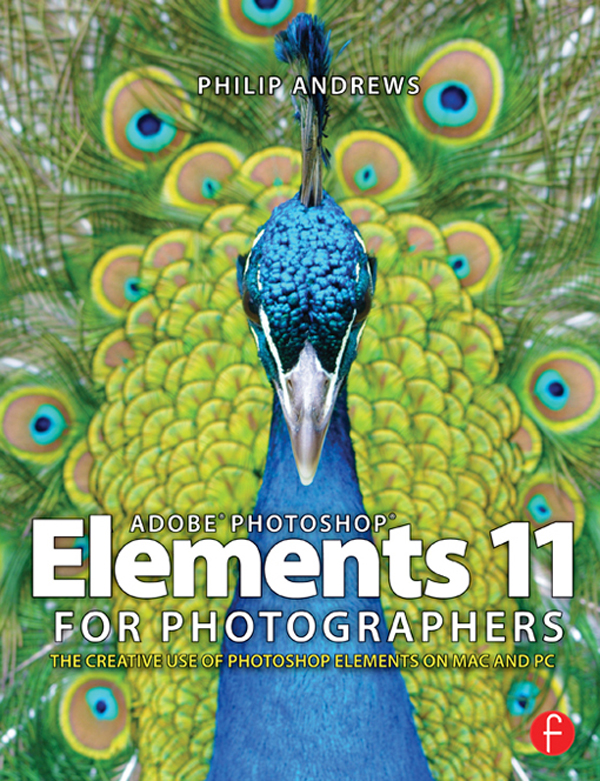
دانلود کتاب Adobe Photoshop Elements 11 برای عکاسان ۲۰۱۳ (Adobe Photoshop Elements 11 for Photographers 2013) با لینک مستقیم و فرمت pdf (پی دی اف) و ترجمه فارسی
| نویسنده |
Philip Andrews |
|---|

۳۰ هزار تومان تخفیف با کد «OFF30» برای اولین خرید
| سال انتشار |
2013 |
|---|---|
| زبان |
English |
| تعداد صفحهها |
504 |
| نوع فایل |
|
| حجم |
106.0 MB |
🏷️ 200,000 تومان قیمت اصلی: 200,000 تومان بود.129,000 تومانقیمت فعلی: 129,000 تومان.
🏷️
378,000 تومان
قیمت اصلی: ۳۷۸٬۰۰۰ تومان بود.
298,000 تومان
قیمت فعلی: ۲۹۸٬۰۰۰ تومان.
همزمان با بزرگترین تغییرات در Photoshop Elements در سالهای اخیر، فیلیپ اندروز کتاب پرفروش خود را به طور کامل بازبینی کرده تا تمام ویژگیهای جدید این نسخه را در بر بگیرد. ببینید چگونه رابط کاربری جدید در کنار ابزارها، تکنیکها و گردشکارهای جدید، ویرایش، بهبود و اشتراکگذاری تصاویر شما را آسانتر از همیشه میکند. و طبق معمول، او ویژگیهای تغییر یافته و بهبود یافته را با تصاویر رنگارنگ و دستورالعملهای گام به گام واضحی معرفی میکند که کتابهای او را به مرجع اصلی عکاسان در سراسر جهان تبدیل کرده است.
در این نسخه، اندروز ویژگیهای جدید زیر را برجسته میکند:
همزمان، اندروز یک نمای کلی جامع از پرکاربردترین ابزارها و تکنیکها در سایر قسمتهای برنامه ارائه میدهد.
خوانندگان همچنین میتوانند از دسترسی به منابع کتاب و ویدیوهای آموزشی در وبسایت مرتبط photoshopelements.net بهرهمند شوند. آنها همچنین میتوانند یادگیری خود را با برنامه ویژه Photoshop Elements for Photographers که از Apple App Store در دسترس است، گسترش دهند.
۱. روی جلد
۲. صفحه عنوان
۳. حق چاپ
۴. فهرست مطالب
۵. مقدمه
۶. تقدیر و تشکر
۷. بخش اول: معرفی فتوشاپ المنتس
۸. بخش دوم: جعبه ابزار عکاس
۹. بخش سوم: المنتس در عمل
۱۰. نمایه
To coincide with some of the biggest changes in Photoshop Elements for years, Philip Andrews completely revises his bestselling title to include all the new features of this release. See how the new interface works alongside new tools, techniques and workflows to make editing, enhancing and sharing your pictures easier than ever. And as always, he introduces the changed and improved features with colorful illustrations and the clear step-by-step instruction that has made his books the go-to titles for photographers the world over.
In this edition Andrews highlights the following new features:
At the same time, Andrews provides a comprehensive overview of the most used tools and techniques in the rest of the program.
Readers also benefit from a being able to access book resources and instructional videos at the associated website photoshopelements.net. They can also extend their learning with the special Photoshop Elements for Photographers app available from the Apple App Store.
1. Cover
2. Title Page
3. Copyright
4. Contents
5. Introduction
6. Acknowledgements
7. Section One: Introducing Photoshop Elements
8. Section Two: The Photographer’s Toolkit
9. Section Three: Elements in Action
10. Index
✨ ضمانت تجربه خوب مطالعه
در صورت مشکل، مبلغ پرداختی بازگردانده می شود.
دانلود فایل کتاب با سرعت بالا
دانلود مستقیم به همراه ارسال فایل به ایمیل.
با چت آنلاین و پیامرسان ها پاسخگو هستیم.
کتاب ها را از منابع معتیر انتخاب می کنیم.

 هوشمصنوعی ترجمه کالیبو