Sale
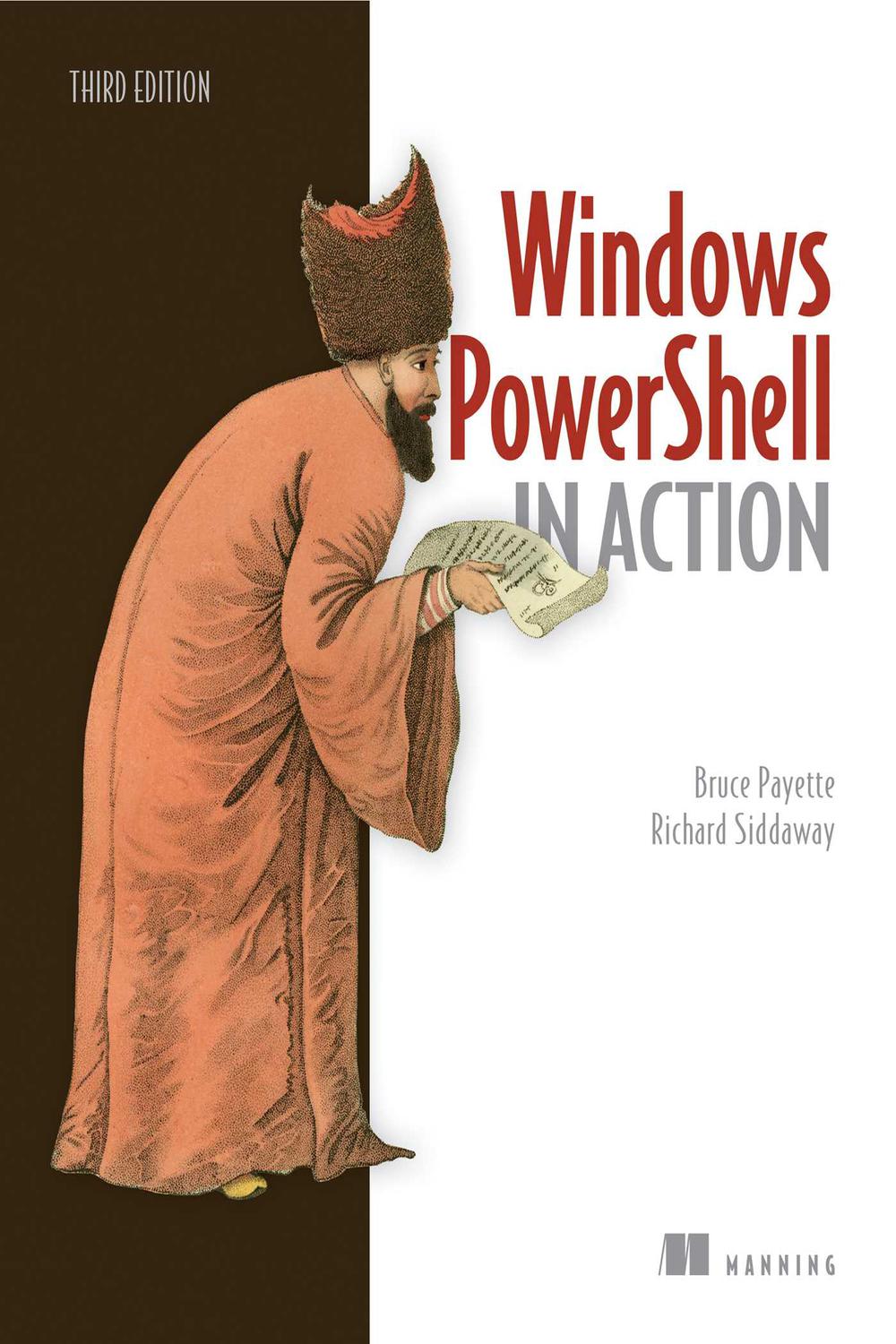
دانلود کتاب Windows PowerShell در عمل ۲۰۱۷ (Windows PowerShell in Action 2017) با لینک مستقیم و فرمت pdf (پی دی اف) و ترجمه فارسی
| نویسنده |
Bruce Payette, Richard Siddaway |
|---|

۳۰ هزار تومان تخفیف با کد «OFF30» برای اولین خرید
| سال انتشار |
2017 |
|---|---|
| زبان |
English |
| تعداد صفحهها |
904 |
| نوع فایل |
|
| حجم |
14.5 MB |
🏷️ 200,000 تومان قیمت اصلی: 200,000 تومان بود.129,000 تومانقیمت فعلی: 129,000 تومان.
🏷️
378,000 تومان
قیمت اصلی: ۳۷۸٬۰۰۰ تومان بود.
298,000 تومان
قیمت فعلی: ۲۹۸٬۰۰۰ تومان.
Windows PowerShell in Action، ویرایش سوم، راهنمای قطعی PowerShell است که اکنون برای پوشش PowerShell 6 بازبینی شده است.
با خرید نسخه چاپی کتاب، یک کتاب الکترونیکی رایگان در قالبهای PDF، Kindle و ePub از انتشارات Manning دریافت خواهید کرد.
دربارهی فناوری
در سال 2006، Windows PowerShell روش تعامل مدیران و توسعهدهندگان با ویندوز را متحول کرد. امروزه، PowerShell دانش ضروری برای مدیران و توسعهدهندگان ویندوز است. این زبان قدرتمند و پویا، کنترل خط فرمان سیستمعامل ویندوز و بیشتر سرورهای ویندوز، مانند Exchange و SCCM را فراهم میکند. و از آنجا که یک زبان .NET درجه یک است، میتوانید اسکریپتها و ابزارهای شگفتانگیزی بسازید، بدون اینکه نیازی به VB یا C داشته باشید.
دربارهی کتاب
Windows PowerShell in Action، ویرایش سوم، راهنمای قطعی PowerShell است که اکنون برای پوشش PowerShell 6 بازبینی شده است. این کتاب جامع که توسط بروس پایت (Bruce Payette)، طراح زبان، و ریچارد سیداوی (Richard Siddaway)، MVP، نوشته شده است، یک مقدمه کاملاً واضح و شفاف به زبان و کاربردهای ضروری روزمرهی آن ارائه میدهد. فراتر از اصول اولیه، نمونههای دقیقی در مورد موضوعات عمیقی مانند عملکرد، معماری ماژول و اجرای موازی خواهید یافت.
مطالب داخل کتاب
* بهترین پوشش جامع و کامل موجود از PowerShell
* بهروزرسانیشده با پوشش PowerShell v6
* گردشکارهای PowerShell
* کلاسهای PowerShell
* نوشتن ماژولها و اسکریپتها
* پیکربندی وضعیت مطلوب (Desired State Configuration)
* برنامهنویسی APIها و خطوط لوله (Pipelines)
مخاطبان کتاب
نوشتهشده برای توسعهدهندگان و مدیران سطح متوسط.
دربارهی نویسندگان
بروس پایت (Bruce Payette) طراح و نویسنده اصلی زبان Power-Shell است. ریچارد سیداوی (Richard Siddaway) یک MVP باسابقه PowerShell، نویسنده، سخنران و وبلاگنویس است.
فهرست مطالب
1. به PowerShell خوش آمدید
2. کار با انواع داده
3. عملگرها و عبارات
4. عملگرها و متغیرهای پیشرفته
5. کنترل جریان در اسکریپتها
6. توابع PowerShell
7. توابع و اسکریپتهای پیشرفته
8. استفاده و ایجاد ماژولها
9. مانیفستها و فراداده ماژولها
10. برنامهنویسی متا با بلوکهای اسکریپت و کد پویا
11. ریموت PowerShell
12. گردشکارهای PowerShell
13. وظایف PowerShell
14. خطاها و استثناها
15. اشکالزدایی
16. کار با ارائهدهندهها، فایلها و CIM
17. کار با NET. و رویدادها
18. پیکربندی وضعیت مطلوب (Desired State Configuration)
19. کلاسها در PowerShell
20. APIهای PowerShell و Runspace
ضمیمه – PowerShell 6.0 برای ویندوز، لینوکس و MacOS
۱. حق تکثیر
۲. فهرست مطالب مختصر
۳. فهرست مطالب
۴. تحسینهایی برای ویرایش دوم
۵. تحسینهایی برای ویرایش اول
۶. پیشگفتار
۷. سپاسگزاری
۸. دربارهی این کتاب
۹. دربارهی تصویر روی جلد
۱۰. فصل ۱. به پاورشل خوش آمدید
۱۱. فصل ۲. کار با انواع
۱۲. فصل ۳. عملگرها و عبارات
۱۳. فصل ۴. عملگرها و متغیرهای پیشرفته
۱۴. فصل ۵. کنترل جریان در اسکریپتها
۱۵. فصل ۶. توابع پاورشل
۱۶. فصل ۷. توابع و اسکریپتهای پیشرفته
۱۷. فصل ۸. استفاده و تولید ماژولها
۱۸. فصل ۹. مانیفستها و فرادادههای ماژول
۱۹. فصل ۱۰. فرابرنامهنویسی با بلوکهای اسکریپت و کد پویا
۲۰. فصل ۱۱. اتصال از راه دور پاورشل
۲۱. فصل ۱۲. گردشکارهای پاورشل
۲۲. فصل ۱۳. وظایف پاورشل
۲۳. فصل ۱۴. خطاها و استثناها
۲۴. فصل ۱۵. اشکالزدایی
۲۵. فصل ۱۶. کار با فراهمکنندگان، فایلها و CIM
۲۶. فصل ۱۷. کار با NET. و رویدادها
۲۷. فصل ۱۸. پیکربندی وضعیت مطلوب
۲۸. فصل ۱۹. کلاسها در پاورشل
۲۹. فصل ۲۰. پاورشل و APIهای فضای اجرا
۳۰. پیوست. پاورشل ۶.۰ برای ویندوز، لینوکس و macOS
۳۱. نمایه
۳۲. فهرست شکلها
۳۳. فهرست جدولها
۳۴. فهرست لیستها
Windows PowerShell in Action, Third Edition is the definitive guide to PowerShell, now revised to cover PowerShell 6.
Purchase of the print book includes a free eBook in PDF, Kindle, and ePub formats from Manning Publications.
About the Technology
In 2006, Windows PowerShell reinvented the way administrators and developers interact with Windows. Today, PowerShell is required knowledge for Windows admins and devs. This powerful, dynamic language provides command-line control of the Windows OS and most Windows servers, such as Exchange and SCCM. And because it’s a first-class .NET language, you can build amazing shell scripts and tools without reaching for VB or C#.
About the Book
Windows PowerShell in Action, Third Edition is the definitive guide to PowerShell, now revised to cover PowerShell 6. Written by language designer Bruce Payette and MVP Richard Siddaway, this rich book offers a crystal-clear introduction to the language along with its essential everyday use cases. Beyond the basics, you’ll find detailed examples on deep topics like performance, module architecture, and parallel execution.
What’s Inside
About the Reader
Written for intermediate-level developers and administrators.
About the Authors
Bruce Payette is codesigner and principal author of the Power-Shell language. Richard Siddaway is a longtime PowerShell MVP, author, speaker, and blogger.
Table of Contents
Appendix – PowerShell 6.0 for Windows, Linux, and MacOS
1. Copyright
2. Brief Table of Contents
3. Table of Contents
4. Praise for the Second Edition
5. Praise for the First Edition
6. Preface
7. Acknowledgments
8. About this Book
9. About the Cover Illustration
10. Chapter 1. Welcome to PowerShell
11. Chapter 2. Working with types
12. Chapter 3. Operators and expressions
13. Chapter 4. Advanced operators and variables
14. Chapter 5. Flow control in scripts
15. Chapter 6. PowerShell functions
16. Chapter 7. Advanced functions and scripts
17. Chapter 8. Using and authoring modules
18. Chapter 9. Module manifests and metadata
19. Chapter 10. Metaprogramming with scriptblocks and dynamic code
20. Chapter 11. PowerShell remoting
21. Chapter 12. PowerShell workflows
22. Chapter 13. PowerShell Jobs
23. Chapter 14. Errors and exceptions
24. Chapter 15. Debugging
25. Chapter 16. Working with providers, files, and CIM
26. Chapter 17. Working with .NET and events
27. Chapter 18. Desired State Configuration
28. Chapter 19. Classes in PowerShell
29. Chapter 20. The PowerShell and runspace APIs
30. Appendix. PowerShell 6.0 for Windows, Linux, and macOS
31. Index
32. List of Figures
33. List of Tables
34. List of Listings
✨ ضمانت تجربه خوب مطالعه
در صورت مشکل، مبلغ پرداختی بازگردانده می شود.
دانلود فایل کتاب با سرعت بالا
دانلود مستقیم به همراه ارسال فایل به ایمیل.
با چت آنلاین و پیامرسان ها پاسخگو هستیم.
کتاب ها را از منابع معتیر انتخاب می کنیم.

 هوشمصنوعی ترجمه کالیبو